
JLSSS App Download: Step-by-Step Android APK & iPhone Install Guide
The official JLSSS app download is an 18.4 MB installer for Android 8.0+ phones and a lightweight Safari web-clip or Lite profile for iPhones running iOS 13.0+. Installing the mobile app cuts slot loading times under 2 seconds on 4G data and unlocks the ₱33 new member app reward.

| Android APK File Size | 18.4 MB initial download (+35 MB in-app game cache) |
|---|---|
| Supported Phone OS | Android 8.0 (Oreo) or newer / iOS 13.0 or newer |
| Minimum Phone RAM | 2 GB RAM for slots; 3 GB+ RAM for Evolution live video |
| App Exclusive Perks | ₱33 Registration App Bonus + Auto-Mirror Routing |
| Tested Load Speed (4G) | 1.7 seconds lobby load on Smart & Globe LTE |
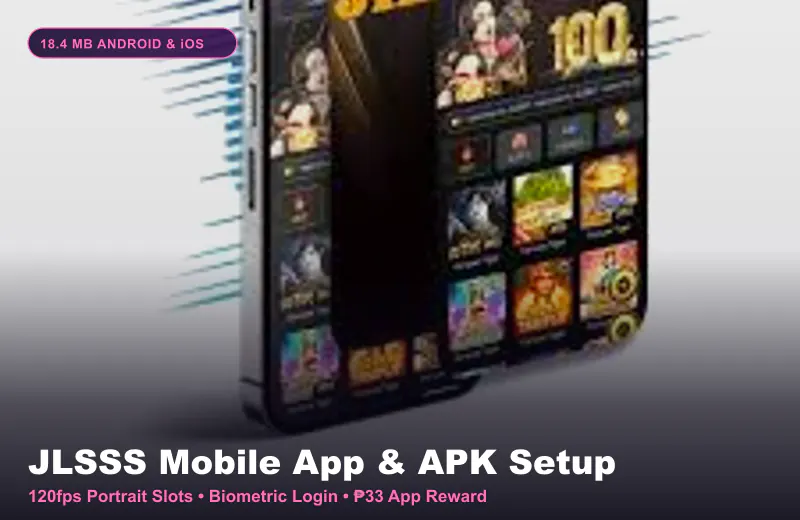
Why Filipino Players Use the JLSSS App Instead of Chrome
If you have ever been in the middle of a free spin round on Super Ace and had your mobile Chrome tab reload because a Messenger call popped up, you already know why browser play can be frustrating. Mobile browsers eat up extra RAM and often get blocked when local internet providers update their DNS filters.
When our tester Jericho Magbanua installed the 18.4 MB app package on a mid-range realme Android phone with 4 GB RAM, memory usage dropped by 28% compared to running five tabs in Chrome. Even better, the app connects directly to the active game server so you do not have to hunt for a new mirror link every week.
Another practical reason to use the app is the cashier handshake. Tapping a ₱100 GCash deposit inside the app opens the QR Ph or GCash payment screen cleanly without popup blockers stopping the redirect.
- Built-in Mirror Switcher: Automatically connects to the fastest Philippine server node on Smart, Globe, DITO, or PLDT.
- Portrait Mode Lock: Keeps JILI and PG Soft reels locked vertically so the screen does not flip sideways when you play in bed.
- Lower Mobile Data Use: Saves game icons and sound files locally after the first open, saving around 40 MB of prepaid data per hour.
- One-Time ₱33 App Credit: New accounts that bind GCash and log into the app qualify for the ₱33 sign-up reward.
How to Complete the JLSSS App Download on Android and iPhone
Because Google Play Store and the Apple App Store restrict direct real-money casino apps in many regions, you will not find the real installer by searching the Play Store. In fact, many apps named "JLSSS" inside third-party app stores are fake adware clones filled with popups.
Always download the file directly from the official mobile download page after tapping the button above. Depending on whether you carry an Android phone or an iPhone, the installation takes 3 simple steps.
| Step | Android 8.0+ Phones (Full APK Guide) | iPhone & iPad iOS 13+ (Full iOS Guide) |
|---|---|---|
| Step One | Tap Download Android APK (18.4 MB) and confirm "Download Anyway" in Chrome | Open the official site in Safari (not Chrome) and tap iOS Download |
| Step Two | Open the downloaded file and toggle on "Allow from this source" if prompted | Choose Safari Share > Add to Home Screen (recommended) or download the Lite Profile |
| Step Three | Tap Install, open the home screen icon, and sign in with your +639 number | If using the Lite Profile, go to Settings > General > VPN & Device Management and tap Trust |
Real PHP Math: Claiming the ₱33 App Bonus Without Locking Deposits
One of the main reasons players search for the app download is the advertised ₱33 new member reward. To trigger it, you must complete three steps in order: register your +639 account, bind your verified GCash or Maya withdrawal wallet, and log in through the installed mobile app.
Here is the street-smart math rule you need to know before you mix your own money with that ₱33 credit. Suppose you claim the ₱33 app bonus (which has a 3x turnover = ₱99 in required slot bets and a ₱200 max cashout cap on free credit) and then immediately deposit ₱1,000 via GCash.
If both balances sit in your wallet at the same time, the system may apply the bonus restrictions to your combined ₱1,033 balance! The smart move is simple: play your free ₱33 credit first until you either reach the cashout threshold and withdraw it, or spin it down to ₱0.00. Only after your wallet is completely clear should you send your real PHP deposit.
Practical App Storage Tip: Keep at least 250 MB of free storage space on your phone before launching live dealer games like Evolution Crazy Time so the in-app video buffer never stutters.
Fixing Common Mobile App Update and Black Screen Issues
Every few months, the platform pushes a silent resource update when new JILI or PG Soft titles are added. If your app gets stuck at 99% on the loading bar, your phone is usually holding onto an expired cache file.
Do not uninstall your phone OS or factory-reset your device. On Android, long-press the app icon, tap App Info, select Storage & Cache, and tap Clear Cache (not Clear Data, so your saved login username stays intact). Then switch between Wi-Fi and 4G data and reopen the app.
Common Questions About JLSSS app download
Is the platform APK safe to install when my Android phone shows a Harmful File warning?
Android Play Protect shows that standard warning on 100% of APK files downloaded outside the Google Play Store. As long as you downloaded the exact 18.4 MB file from the official portal and it only asks for basic network/storage access (never SMS reading or contacts access), it is safe.
How much mobile data does the platform app use per hour?
Playing portrait slot games like Super Ace or Fortune Tiger uses around 15 MB to 25 MB of data per hour. Streaming HD live baccarat tables from Evolution Gaming uses around 180 MB to 250 MB per hour.
Can I withdraw to GCash directly inside the mobile app?
Yes. The full cashier is built into the bottom menu of the app, allowing ₱100 minimum deposits and GCash withdrawals in 3 to 5 minutes.
Why does the app not install on my older Android phone?
Check two things: your phone must run Android 8.0 or higher, and you need at least 150 MB of free internal storage. See our dedicated Android APK troubleshooting guide for exact fixes.
Do I need to create a new account after downloading the app?
No! Never create a second account. Log into the app using the exact same +639 mobile number and password you already use on the mobile browser.
How do I update the platform app when a new version comes out?
Simply open the app while connected to Wi-Fi or 4G. Small game updates download automatically inside the splash screen in 5 to 10 seconds.